Prerequisites
Before you begin, you need Node.js (version 20 or later) installed on your computer. If you don't have it, visit nodejs.org and download the LTS version — it includes everything you need.
You also need curl and tar, which come pre-installed on macOS and Linux.
Windows users: The install script requires a Unix-like terminal. Install
WSL (Windows Subsystem for Linux) or use
Git Bash, then follow the steps below from that terminal. You will also need to install Node.js inside WSL if you go that route.
Create a new folder where the viewer and your data will live together. Open a terminal and run:
mkdir ~/my-archive
cd ~/my-archive
You can name this folder anything you like and put it anywhere. The installer will place the viewer files directly into this directory.
Place your RO-Crate data inside a data/ folder within your working directory. The generator finds every ro-crate-metadata.json beneath it and reads the collections and items out of the crates themselves, so the folder layout is up to you.
Most archives use one of two shapes. The first gives every item its own crate — this is what the PARADISEC catalogue exports:
my-archive/
└── data/
    ├── NT1/                            ← Collection folder
    │   ├── ro-crate-metadata.json      ← Collection metadata (optional)
    │   ├── 001/                        ← Item folder
    │   │   ├── ro-crate-metadata.json  ← Item metadata
    │   │   ├── NT1-001-001A.mp3        ← Audio recording
    │   │   └── NT1-001-001A.jpg        ← Image
    │   └── 002/                        ← Another item
    │       ├── ro-crate-metadata.json
    │       └── NT1-002-001A.mp3
    └── AC1/                            ← Another collection
        ├── ro-crate-metadata.json
        └── 001/
            ├── ro-crate-metadata.json
            └── AC1-001.wav
The second uses a single crate describing the collection and every item in it, which is what tools like lameta export:
my-archive/
└── data/
    └── VKS4/                           ← Collection folder
        ├── ro-crate-metadata.json      ← The collection and every item in it
        └── Sessions/
            ├── VKS4-001/               ← Item folder, no crate of its own
            │   ├── VKS4-001-A.wav
            │   └── VKS4-001-A.jpg
            └── VKS4-002/
                └── VKS4-002-A.wav
- Each collection is a folder directly inside
data/ (e.g. NT1, AC1)
- Every item is described by a
RepositoryObject in a crate — either its own ro-crate-metadata.json, or one crate covering the whole collection
- Collection-level
ro-crate-metadata.json is optional but recommended — it provides the collection name and description shown in the viewer
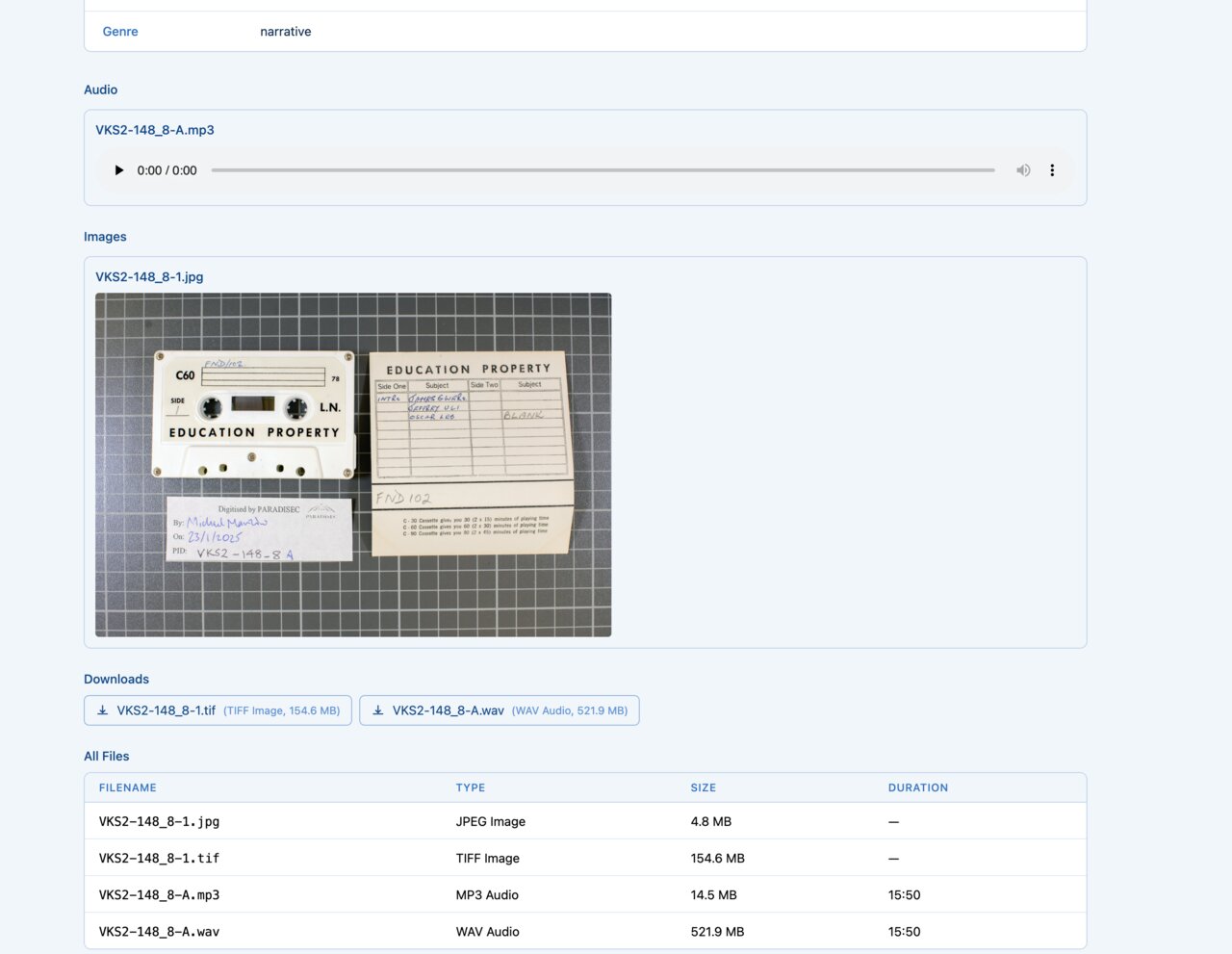
- Media files (audio, images, video, transcripts) sit wherever the crate says they do — alongside the metadata in the per-item layout, or under a folder the crate points at
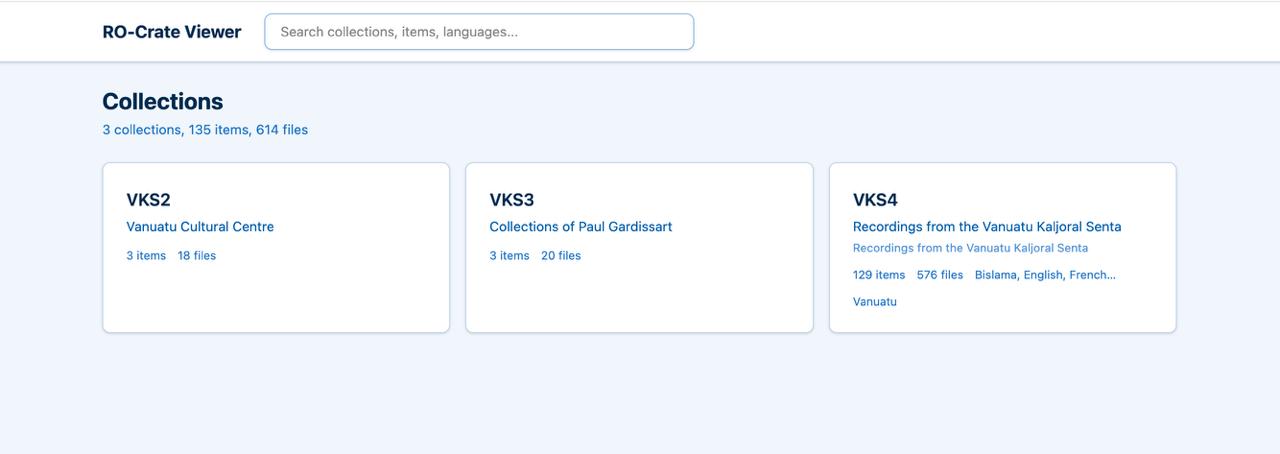
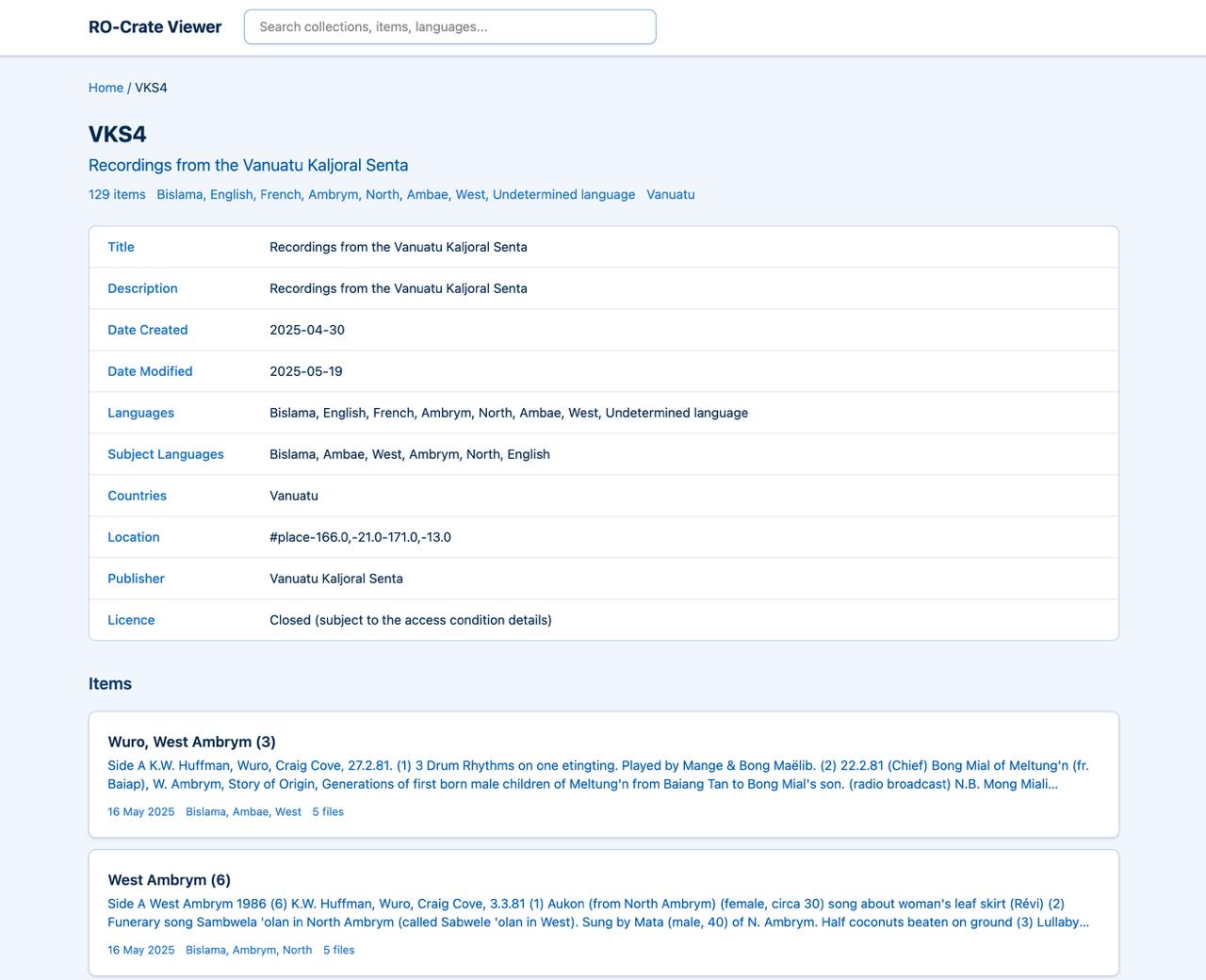
- Either way the viewer shows the same three levels: collections, items, files
From inside your working directory, run the install command:
curl -fsSL https://github.com/crate-works/bowerbird/releases/latest/download/install.sh | bash
This command does three things:
- Downloads the latest viewer release from GitHub
- Extracts the viewer files into your working directory
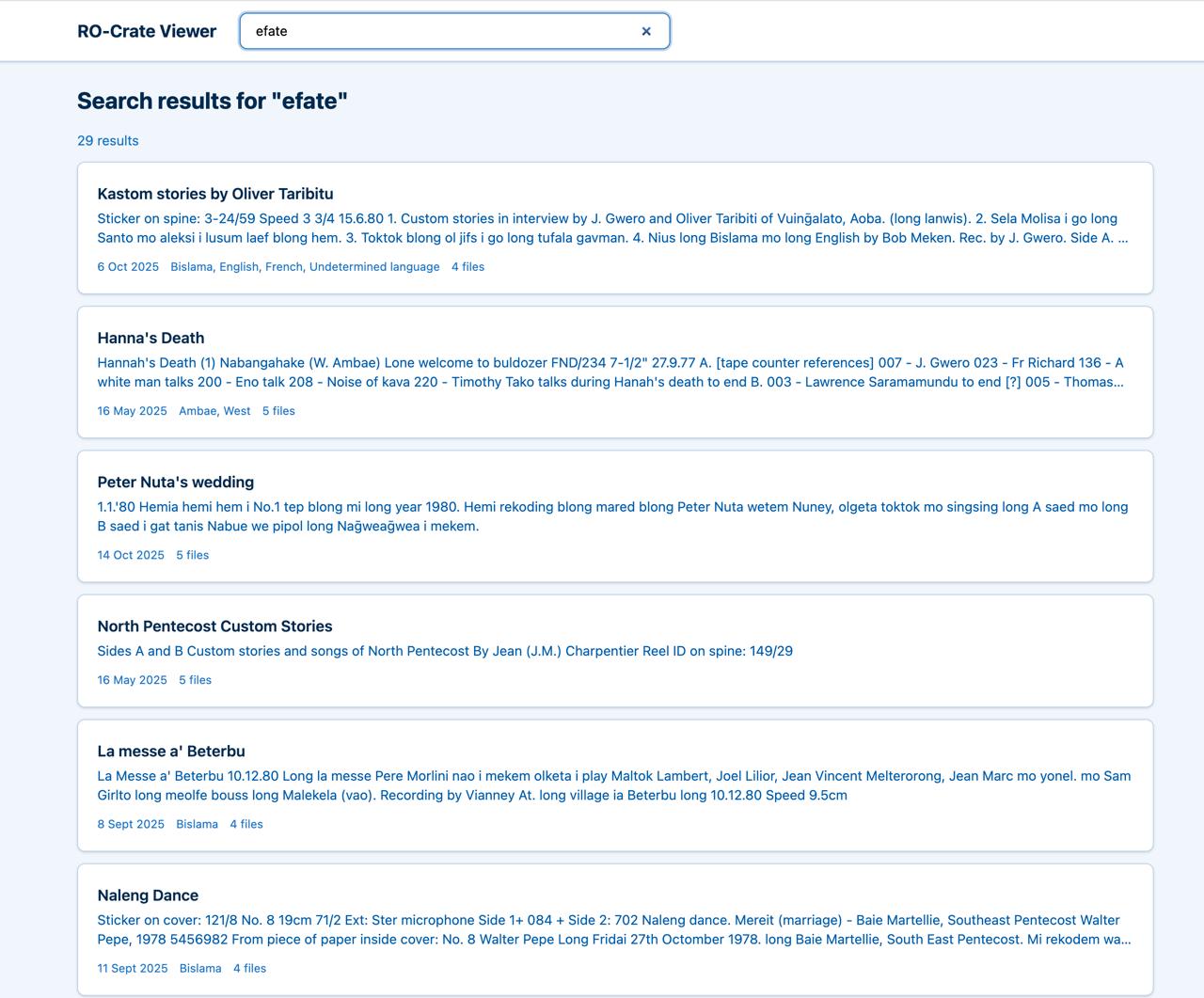
- Generates a searchable catalog from your
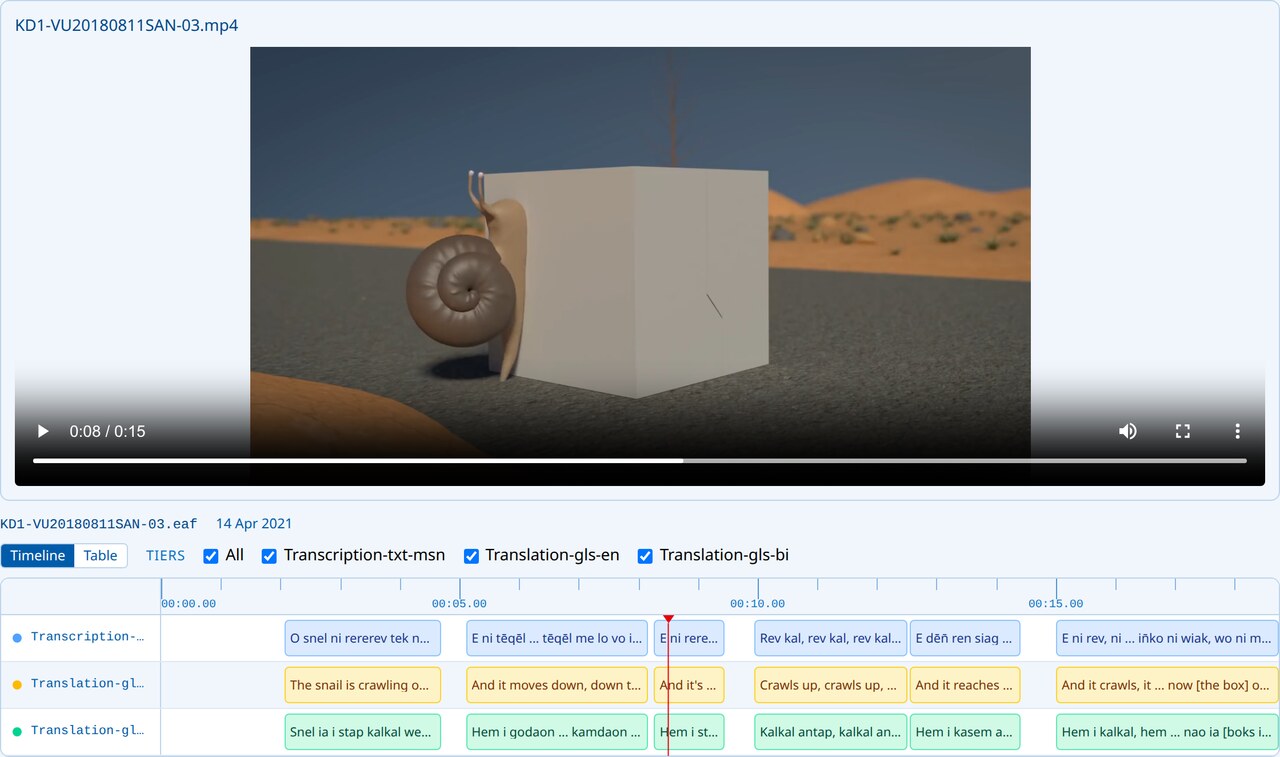
ro-crate-metadata.json files, and transcripts from any ELAN .eaf files it finds
After it finishes, your directory will look like this:
my-archive/
├── data/                ← Your data (unchanged)
├── index.html           ← Open this in your browser
├── catalog.js           ← Generated search index
├── rocrate-data.js      ← Generated metadata
├── transcripts.js       ← Generated ELAN transcripts
├── generate-catalog.js  ← Catalog generator script
└── assets/              ← Viewer CSS and JavaScript
Open index.html in your web browser. The easiest way is to double-click it in your file manager. From the terminal, you can run:
# macOS
open index.html

# Linux
xdg-open index.html
The viewer works in all modern browsers — Chrome, Firefox, Safari, and Edge. No web server is required; it runs directly from the file on your computer.
To share your browsable archive with others:
- Zip it: Compress the entire
my-archive/ folder into a ZIP file. The recipient unzips it and opens index.html — no installation needed on their end
- USB drive: Copy the folder to a USB stick for offline distribution
- Web server: To host it online, serve the folder with any HTTP server, e.g.
python3 -m http.server 8080